 Nederlands
 English
 Deutsch
 Français

 Book a test cut
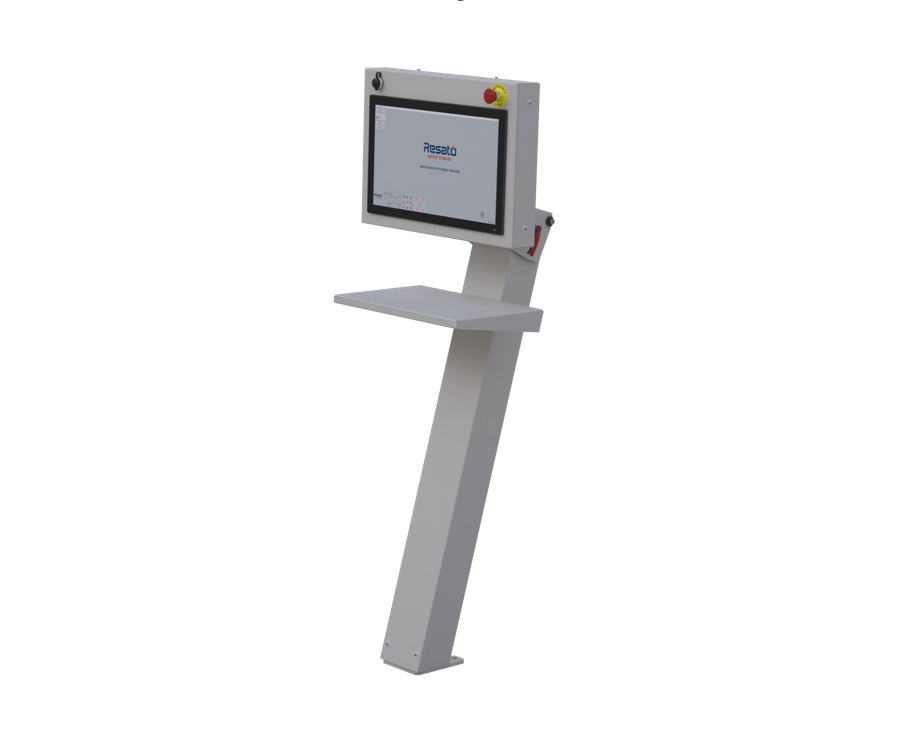
The Resato HMI, your machine on one screen.
The HMI is the touchscreen operating panel that links your cutting machine and the CAD/CAM software. Here you set up your process, follow live what the machine is doing and queue jobs for unmanned production, all from one console.

Your whole process under one screen.
From the HMI you set up your cutting process and follow live what the machine is doing. You choose the cutting head and set cutting speed, pressure and abrasive consumption, and the dashboard shows you in real time what is happening. If you need to re-cut a line or resume from a point, point snap and contour snap pick up exactly the right spot again.
- Process configuration: choose the cutting head and set cutting speed, pressure and abrasive consumption
- Real-time dashboard with speed, axis positions and the active process parameters
- Point snap and contour snap to restart accurately or re-cut a line

Queue your jobs, let the machine work on.
With job management (Job Queue) you load several jobs one after another, so the machine can keep cutting unmanned. Meanwhile the HMI tracks the operating hours of your wear parts, and the guided calibration helps you set the height sensor step by step.
- Job management (Job Queue): load several jobs in sequence for unmanned production
- Monitoring of the operating hours of wear parts
- Guided calibration of the height sensor
Directly connected to your work preparation.
The HMI is the link between your cutting machine and the CAD/CAM software. You prepare your drawing in the software, and the HMI receives the CNC files straight from the linked IGEMS CAD/CAM software and makes them ready on the machine. That way the route from drawing to cut runs in one line, without separate intermediate steps.
- Receives CNC files straight from the linked IGEMS CAD/CAM software
- Links the cutting machine to your work preparation on one console
Service from the manufacturer itself.
In the event of a fault we are with you within 72 hours, in urgent situations often within 24. Maintenance, helpdesk and the Resato Academy come from the same people who built your machine.
Send us your material,
we will cut it.
Tell us what you cut and in what volumes. We cut your material on the machine that fits it, and one of our colleagues turns that into a configuration and a realistic quotation.
Prefer to call? +31 (0)50 501 6877 or sales@resato-waterjet.com